Analytics preferences
Off by default. Private notes, source URLs, file names and account identifiers are not sent. You can change this setting here at any time.
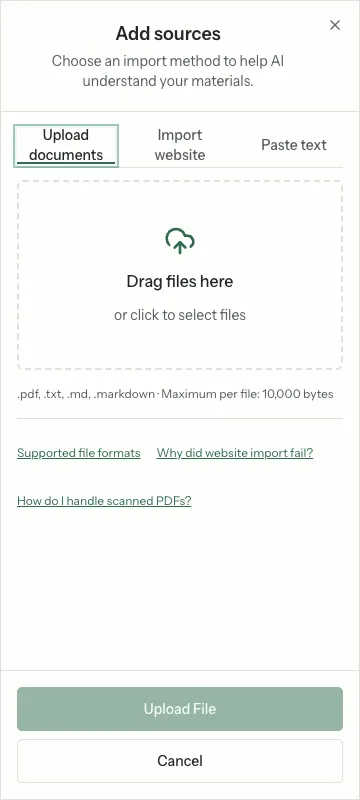
Supported file types, failed web imports and scanned PDFs.
The current SaaS upload dialog accepts PDF, TXT and MD. Convert Word documents to text PDFs or paste their text. The file picker and server validation remain authoritative; this guide does not promise a fixed upload allowance.
Check that the URL is complete and accessible without login. Some sites block automated access. Read the error and use text import only for material you may access and reuse.
Image-only pages may need OCR before upload. Review the OCR output, especially tables, numbers and citations. Do not assume that an accepted PDF has produced searchable text.
An upload confirmation does not mean parsing and indexing have finished. Check the source status. Retry a failed operation only after checking its error; preserve the original file.
Only import documents you are authorized to use. Never put private notebook contents into public blog or tutorial Markdown files.
Off by default. Private notes, source URLs, file names and account identifiers are not sent. You can change this setting here at any time.