Analytics preferences
Off by default. Private notes, source URLs, file names and account identifiers are not sent. You can change this setting here at any time.
Create a notebook, add your first source and find it again.
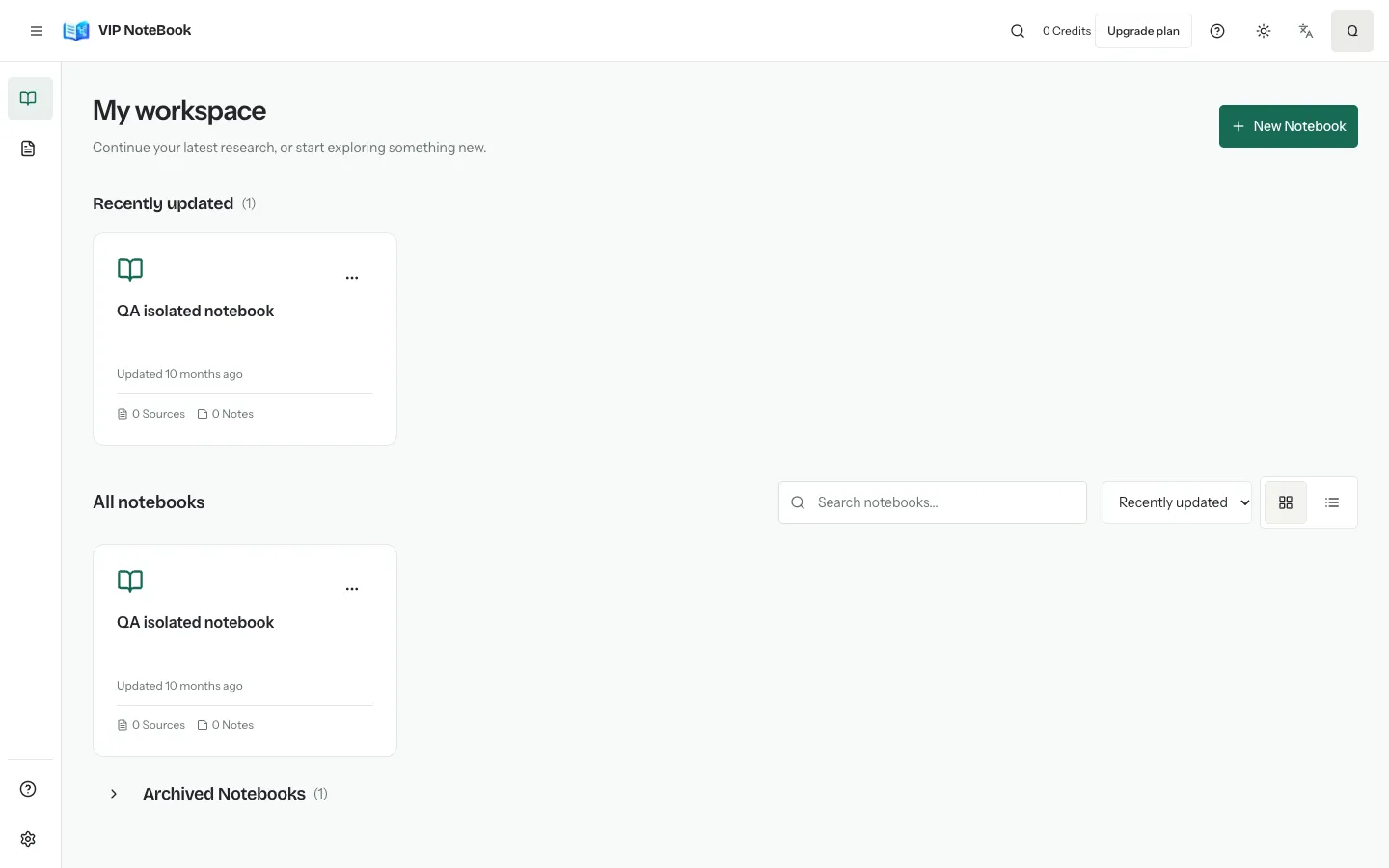
Sign in to VIP NoteBook. On My workspace, choose New Notebook (or the first-notebook button when your account is empty).
Enter a name. A description is optional. Submit the form once and wait for the notebook workspace to open. If creation fails, keep your draft and retry after checking the error.
Choose Add sources, then upload a file, import a website, or enter text. Wait for processing to finish before asking questions about that source.
Return to My workspace. Search by notebook name or sort by update time, creation time or name. “Recently updated” reflects changes, not a recorded visit history.
Keep each topic in its own notebook. Find your materials, continue your research and add new sources from one place.
Off by default. Private notes, source URLs, file names and account identifiers are not sent. You can change this setting here at any time.