Analytics preferences
Off by default. Private notes, source URLs, file names and account identifiers are not sent. You can change this setting here at any time.
Product updates, AI learning methods, research stories and productivity ideas.
NotebookLM TutorialsNo posts yet. Check back soon.
Guide
Stop using NotebookLM as just a chat box. Eight practical workflows: cross-doc analysis, meeting transcripts, Audio Overview, Studio outputs, and knowledge bases. notebooklm ai tutorial.
Guide
Hundreds of PDFs buried on your drive? This NotebookLM tutorial covers bulk import, cross-file Q&A with citations, and practical workflows for notebooklm ai users.
Guide
NotebookLM tutorial in plain language: upload your sources, use Studio outputs, and learn faster with grounded AI. Official-style guide for notebooklm ai users.
Tutorial
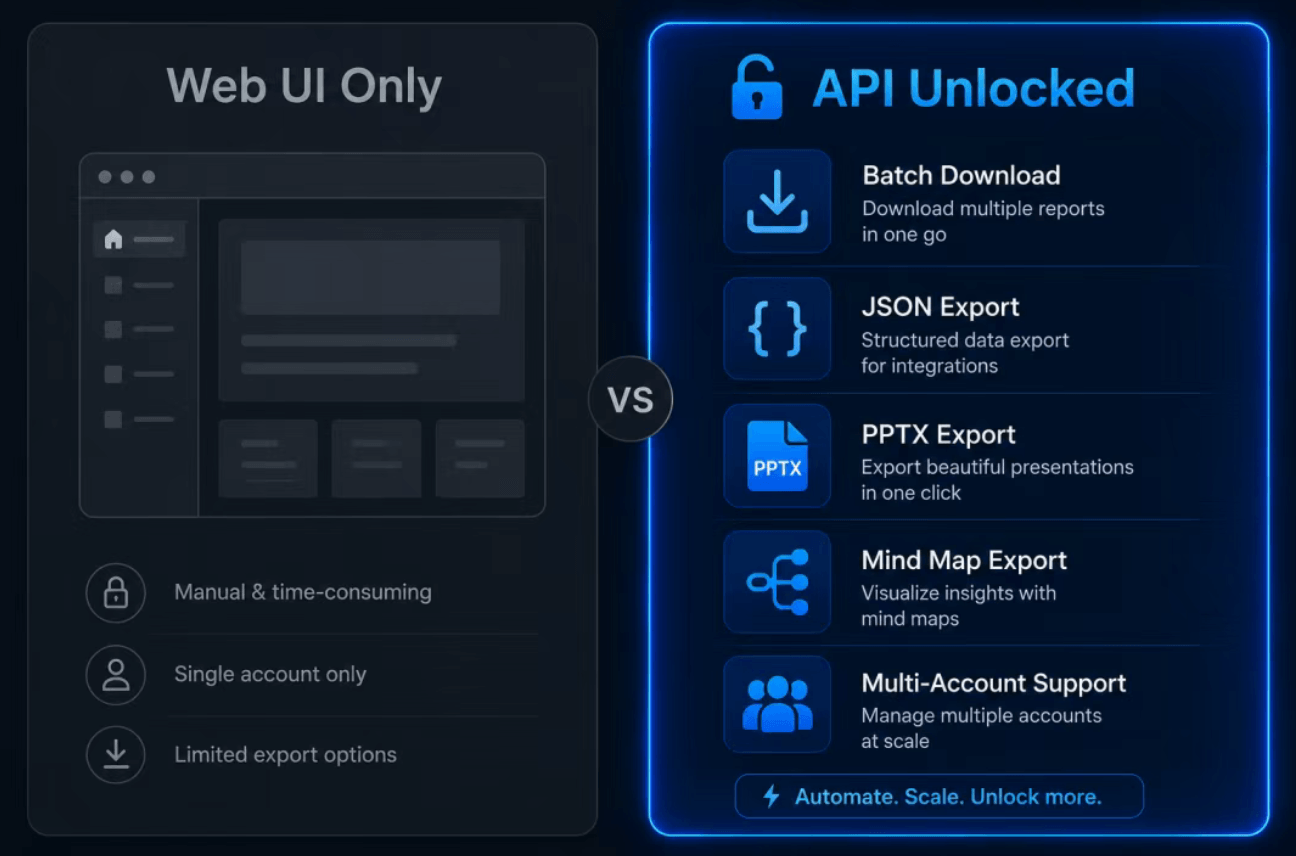
Deep dive into notebooklm-py (14.6k+ GitHub stars): Python API, CLI, and Claude Code integration. Batch downloads, quiz export, and other features the NotebookLM web UI lacks — with install steps and examples.
Tutorial
A detailed NotebookLM tutorial on using an open-source Skill to import WeChat Official Account articles directly into NotebookLM, breaking the information barrier between reading and knowledge management. Includes complete step-by-step instructions and practical tips.
NotebookLM
20 NotebookLM prompts covering 5 major use cases: reading comprehension, learning aids, critical analysis, content creation, and teaching output. Turn AI into your personal learning assistant.
Tutorial
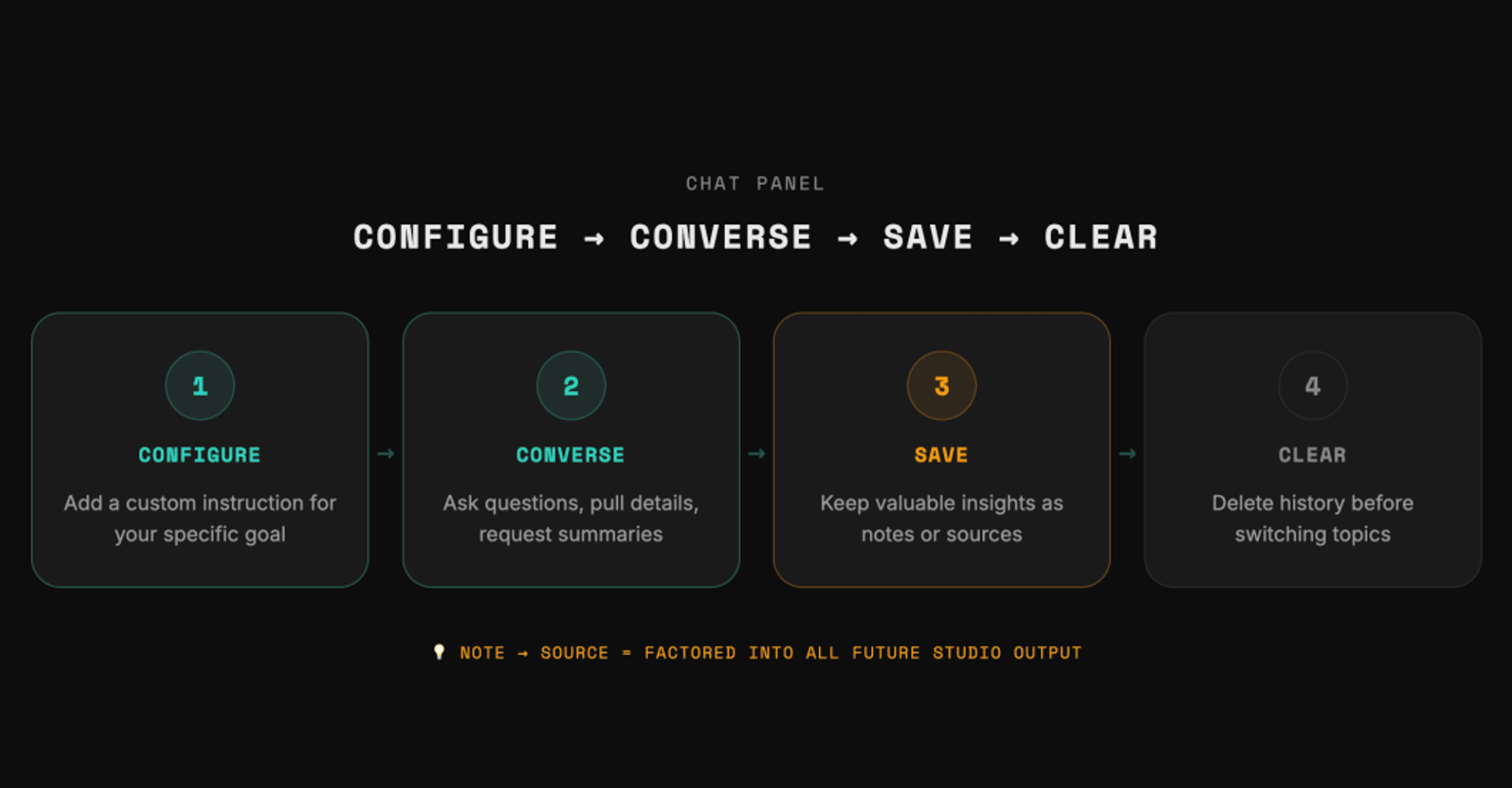
A complete NotebookLM tutorial from setup and source import to prompt design, real scenarios, and quality checks.

NotebookLM
A complete guide to NotebookLM features: Core functions like Sources/Chat/Studio, plus new features like Audio Overview, Deep Research, and Gemini integration. Learn how to use it all in one article.
NotebookLM
NotebookLM usage tips and practical guide: three-panel workflow (Sources/Chat/Studio), inline citation Q&A, Audio Overview, Deep Research, and a five-step getting started guide, with access link.
Guide
A quick guide to uploading documents, asking questions, and generating audio overviews with Google's AI note assistant.
Off by default. Private notes, source URLs, file names and account identifiers are not sent. You can change this setting here at any time.